



Keep your coin wallet, rewards and favorite games within one tap
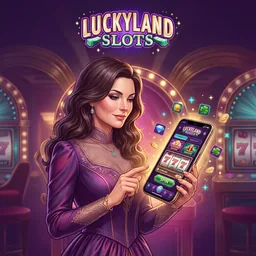
LuckyLand Slots works as a responsive mobile site, and Android users can follow the official download route shown on our site when an APK option is presented. The full account experience includes GC and SC balances, daily collections, game search, purchases, identity requests and prize redemptions. iPhone and iPad players can use Safari or Chrome and add the site to the Home Screen. LuckyLand Lite is a separate entertainment-only sampler with a small selection of social-style games; it does not replace the full LuckyLand Slots account.
Choose the mobile route that matches your device
| Device | Recommended route | Account features |
|---|---|---|
| Android phone or tablet | Official site download prompt or mobile browser | Full wallet, games, purchases and redemptions |
| iPhone or iPad | Safari or Chrome with Home Screen shortcut | Full browser account experience |
| LuckyLand Lite | App Store sampler | Curated free-play selection without prize redemption |
Install the Android APK from our site
Open LuckyLand Slots in your Android browser and sign in. If the official download prompt appears, select it and save the APK. Android may ask you to allow installation from the browser that downloaded the file; grant permission only for that one installation, complete setup and turn the permission off afterward. Launch the app, confirm that the address and branding match our official service, then sign in with your existing credentials. Never install a file sent through an unsolicited message or an unrelated app listing.
Add LuckyLand Slots to an iPhone Home Screen
Open the site in Safari, tap Share and choose Add to Home Screen. The shortcut opens the responsive site without requiring a separate full-account App Store download. Your game history, balances and verification state stay attached to the account, not the shortcut itself.
The mobile wallet shows GC and SC as different products
Gold Coins support social play and cannot be redeemed. Sweeps Coins enter promotional sweepstakes rounds; once promotional requirements and verification are complete, eligible winnings can be submitted for prizes. Check the coin selector before every session because the active balance controls the round.
The mobile cashier can display GC packages, including promotional SC gifts, and the redemption area starts cash-prize requests from 50 eligible SC. Do not close the app during a purchase or redemption confirmation. If a screen stalls, check account history before repeating the action.
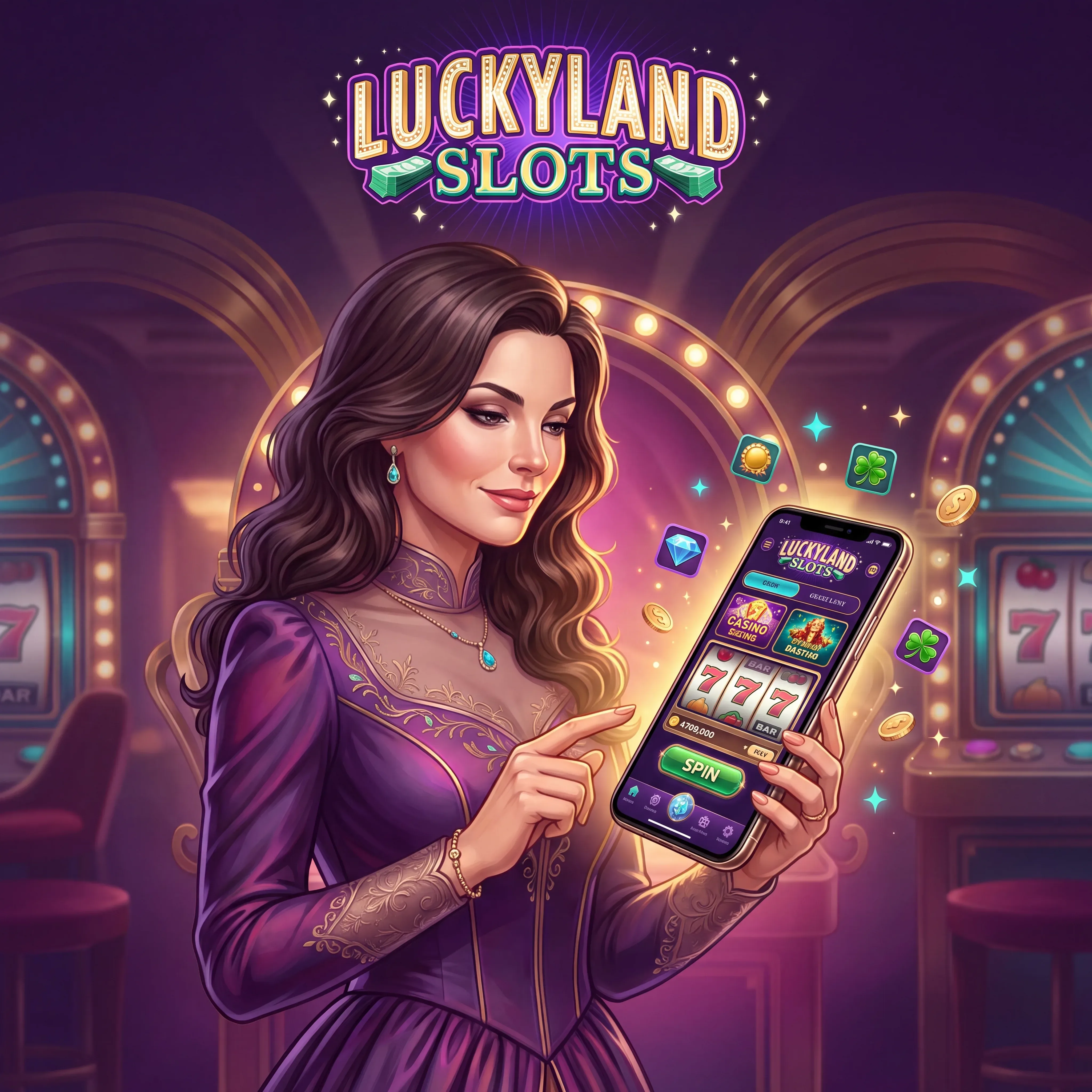
Find a game without scrolling through the whole lobby
Search for titles such as Hypernova 10K Ways, Wild Wild West 2120 Deluxe, Big Bass Bonanza, Sugar Rush, Aztec Quest, LuckyLand 7’s and Big Hit Blackjack. Favorites shorten the route back to games you understand. Before using SC, open the information panel and read the prize table, RTP reference, feature rules and selected play value.
Mobile account safety starts before the password screen
Use a private device lock and a unique password. Avoid saving payment credentials on a shared phone, and sign out before handing the device to someone else. We may ask for a photo ID, address evidence or bank ownership file through the verification workflow; upload clear images with all four document corners visible.
Fix common mobile problems without duplicating a transaction
| What you see | First check | Next action |
|---|---|---|
| Login loop | Browser cookies and password spelling | Reset the password from the registered email |
| Frozen game round | Network connection and account history | Reopen the title and contact support with the round time |
| Purchase pending | Wallet history and bank authorization | Do not repeat the purchase until status is clear |
| SC not eligible | Promotional play requirement | Open the redemption balance details |
| Document rejected | Image clarity and data match | Upload a current document in your legal name |
FAQ
Is there a LuckyLand Slots APK for Android?
Android players can use the official site route when the APK download is shown. Install only the file obtained through our own site.
Can I use LuckyLand Slots on an iPhone?
Yes. Open the full site in Safari or Chrome and use it as a responsive web app; you can add a Home Screen shortcut.
Is LuckyLand Lite the same as the full LuckyLand Slots account?
No. LuckyLand Lite is an entertainment-only sampler. Prize play, the full wallet and redemptions belong to the full web account.
Will my GC and SC balance sync across devices?
Yes. Balances and account history follow the verified account when you sign in with the same credentials.
Can I request a prize on mobile?
Yes. Open the redemption area, confirm at least 50 eligible SC, select the displayed route and complete any verification request.
What should I do if an APK update appears?
Return to our official site or use the update route inside the official app. Do not use third-party APK mirrors.
How do I contact support from a phone?
Open the Help Center or live support inside the account. Email [email protected] if you need to attach clear account details.